
Adobe Dreamweaver
Adobe Dreamweaver is Adobe's web development application for Windows and macOS that combines a code editor with visual design and live preview.
Arduino IDE is the free, open-source development environment for programming Arduino boards. Version 2.3.10 is the current Windows release.
Average 0.0 · ratings: 0
Thank you! Your rating is saved; you can change it. Could not save the rating. Please try again later. Too many ratings from your network today. Please try again tomorrow. The average appears after 5 ratings.
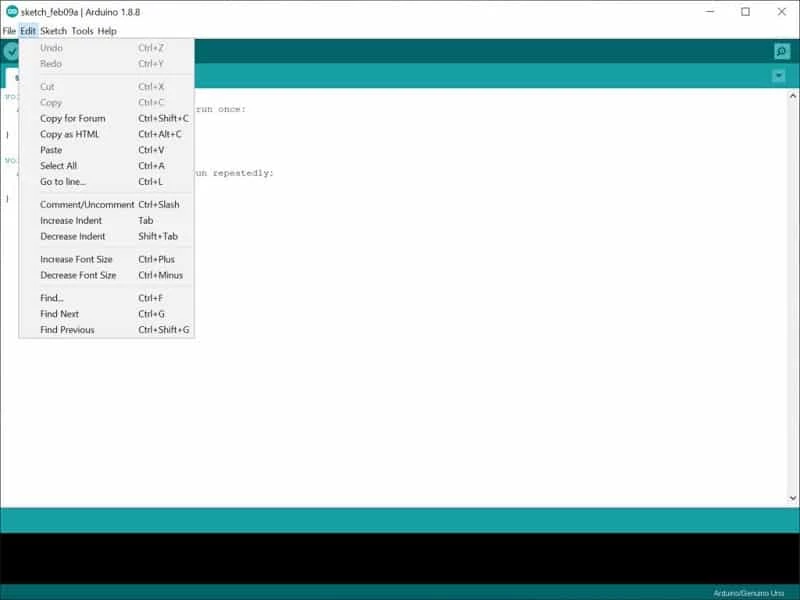
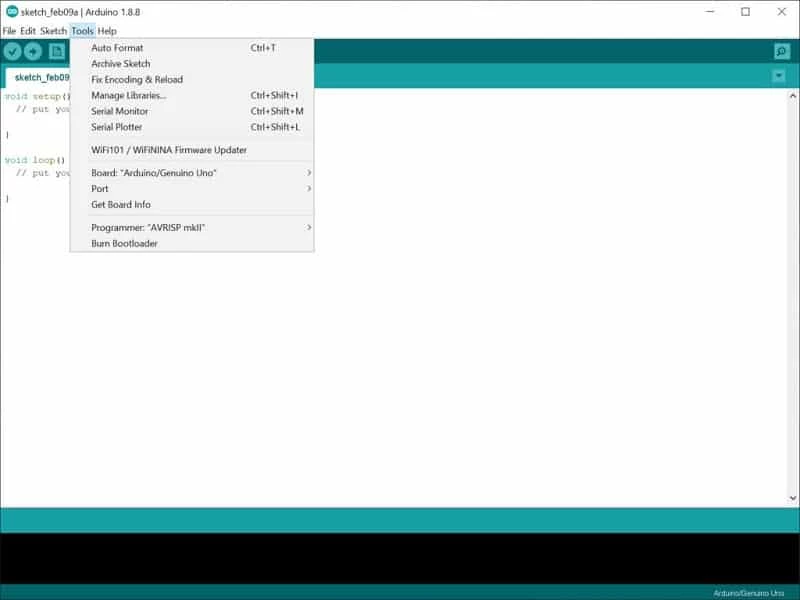
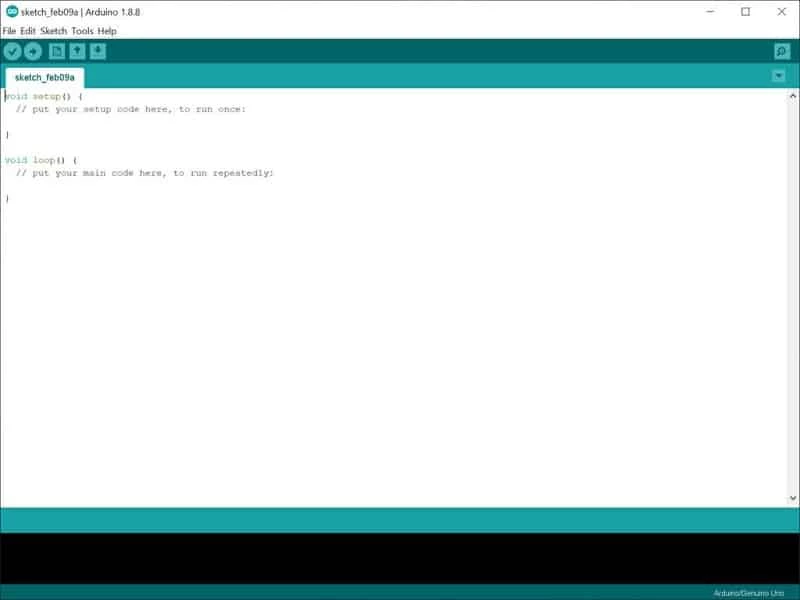
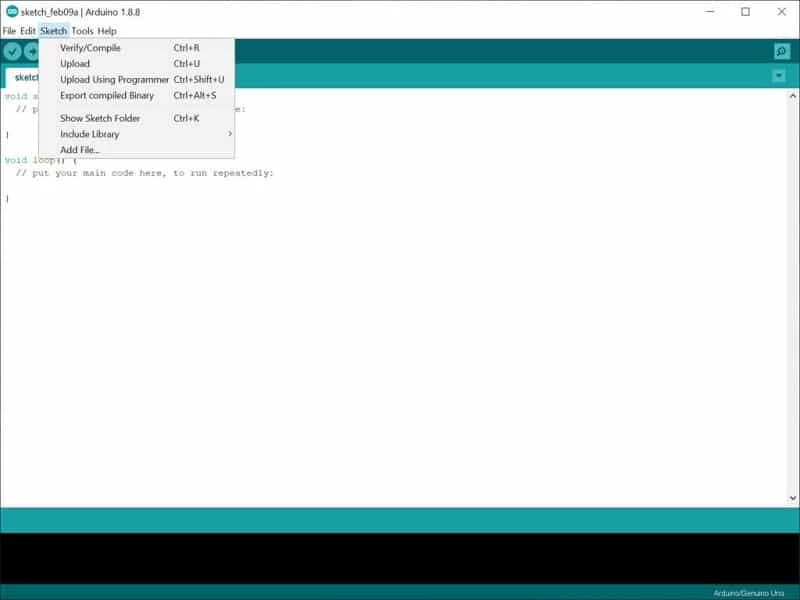
Arduino IDE 2.3.10 for Windows is the current release of the free, open-source development environment for Arduino hardware. You can download it from arduino.cc to write sketches, compile them and upload them to a board over USB; the spec sheet below covers the essentials.
| Parameter | Value |
|---|---|
| Program | Arduino IDE |
| Version | 2.3.10 |
| Developer | Arduino (created by Arduino LLC) |
| Licence | Free and open source, GNU GPL 2.0 or later and Affero GPL |
| Built with | Electron, Java |
| Windows | Win 10 (64-bit) or newer |
| Other systems | macOS 10.15 Catalina or newer (64-bit), Linux 64-bit |
| Download size | about 150.75 MB according to catalogue data |
The Arduino IDE is the program where you write code for Arduino boards and compatible microcontrollers. Programs are called sketches, and the editor comes with examples that blink an LED, read a sensor or drive a motor, so a first project works within minutes of unpacking a board. When you press Upload, the IDE compiles the sketch and sends it to the board over USB. Code libraries for displays, sensors and communication modules extend what a sketch can do, and a serial monitor lets you watch messages the board sends back while it runs. It is the standard starting point for hobby electronics, school robotics and quick prototypes, and it stays useful for advanced users who want a simple, dependable tool.
Step-by-step instructions are in the official download and install guide.
Yes, when downloaded from arduino.cc. The code is public on GitHub. Install libraries from trusted sources rather than random archives, and only upload sketches you understand to boards that control mains power or motors.
Start with a genuine or well-documented board so drivers and examples work without surprises. If the port does not appear, try another USB cable, since many cheap cables only carry power. Save each project in its own folder, add comments as you go, and keep a copy of sketches that work before you experiment further. When something fails, read the error messages at the bottom of the window from the top down.
Free. Arduino also offers optional cloud services, but the desktop IDE needs no account or subscription.
Other developer tools in our listings: Notepad++ for quick code edits, Android Studio for mobile apps and PSeInt for learning programming logic.
Adobe Dreamweaver is Adobe's web development application for Windows and macOS that combines a code editor with visual design and live preview.

Notepad++ is a free, open-source text and source code editor for Windows by Don Ho, based on the Scintilla editing component.

XAMPP is a free, open-source web server solution stack from Apache Friends for running and testing websites on your own computer.

Android Studio is Google's free integrated development environment for building Android apps. This page covers version 2026.1.4.8 Quail 4 Patch 1 for Windows.

PSeInt is free, open-source educational software by Pablo Novara that helps beginners learn programming logic by writing and running pseudocode.